



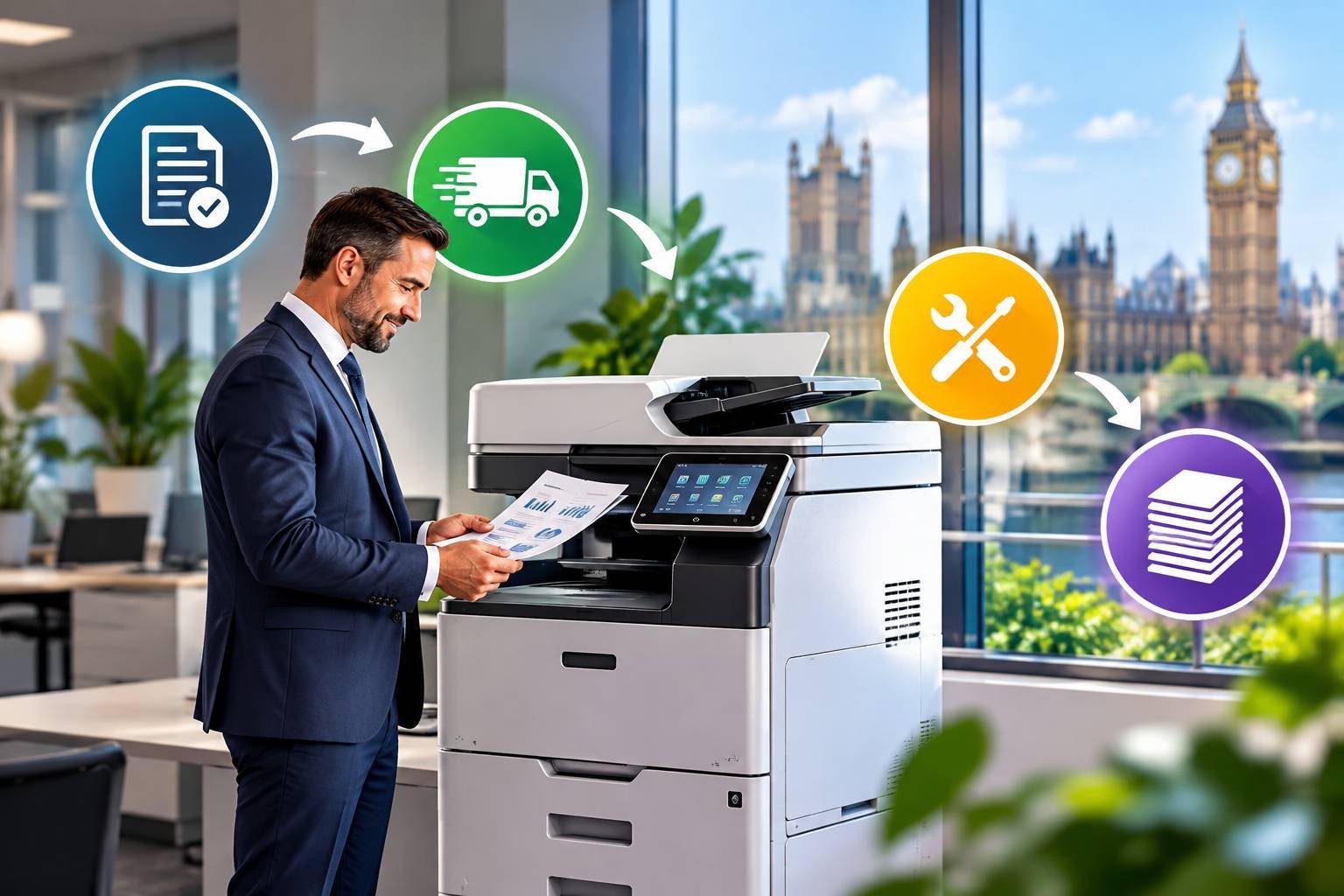
Renting a printer means paying a regular fee to use a machine you do not own, usually with servicing, supplies and repairs bundled into the agreement. For a UK business weighing up a large upfront purchase against a predictable monthly cost, it is worth knowing exactly what you are signing up to before you request a quote.
This guide walks through how rental agreements are structured, what the monthly price typically covers, and what to check in the contract before you commit.
What printer rental actually involves
At its simplest, a rental agreement gives you the use of a printer or multifunction device for a fixed term, in return for a regular payment. The supplier owns the equipment. They deliver it, set it up, and (in most agreements) look after it for the length of the contract.
The arrangement is often confused with leasing, and the two overlap. Leasing tends to be a finance product: a leasing company buys the machine and you pay it back over a set period, sometimes with servicing arranged separately. Rental is more commonly offered directly by a printer or copier supplier, with maintenance built in. Some providers use the terms interchangeably, so it is sensible to ask exactly what is included rather than relying on the label.
Businesses that look at office printer rental UK options usually find a range of machines on offer, from compact desktop devices for a small team to floor-standing multifunction units that print, copy, scan and sometimes fax or send documents directly to email.
How the process works from enquiry to installation
Most suppliers follow a similar sequence, although the details vary.
The first step is a conversation about your needs. A reputable supplier will ask how many people will use the printer, roughly how many pages you print each month, whether you need colour, and what paper sizes and finishing options matter. If you print a handful of invoices a week, you do not need the same machine as an accountancy practice producing bound client reports.
Next comes a quote, which should break down the rental charge, any running costs per page, the contract length and any delivery or installation fees. Once you accept, the supplier delivers the device, installs it, connects it to your network and shows staff how to use it. Many will also set up scanning to email or shared folders at this stage, which saves a good deal of fiddling later.
After installation, the supplier takes responsibility for servicing. If the machine develops a fault, you contact them and they arrange a repair or replacement according to the terms of your agreement. At the end of the term you can usually renew, upgrade to a newer model or return the equipment.
What the monthly cost usually covers
Pricing is rarely a single flat figure. It tends to be made up of two parts: a fixed rental charge for the machine, and a charge based on how much you print.
The fixed element covers the use of the equipment itself. The usage element is typically calculated per page, with separate rates for black and white and colour. Some agreements include a number of pages each month before the per-page charge begins, so it is worth checking whether any allowance is included and whether unused pages roll over.
What else is bundled in differs between suppliers. Common inclusions are:
- Toner and other consumables, often supplied automatically or on request
- Maintenance visits and call-out charges for repairs
- Replacement parts
- Remote monitoring, where the machine reports its own toner levels and faults
Paper is almost always your responsibility, and some agreements exclude certain parts or treat them as chargeable. Ask for the inclusions in writing, because “fully maintained” can mean different things in different contracts.
Contract length and what happens at the end
Rental terms commonly run for a number of years, though shorter and longer options exist. A longer term generally spreads the cost thinly but ties you to a machine your needs may outgrow. A shorter term gives you flexibility at what is often a higher monthly rate. There is no single correct length, and the right choice depends on how stable your printing needs are.
Cancellation deserves particular attention. Some contracts allow early termination only on payment of the remaining rental, and others impose notice periods or auto-renew unless you give notice within a set window. If your business is growing, relocating or considering a move to more digital working, read these clauses carefully before signing.
At the end of the term, ask what the process is for returning the machine, whether there are any collection charges, and whether you will be offered an upgrade. Newer devices can be faster, more efficient and better at handling digital workflows, which is one reason some businesses choose to renew with a different model.
Who tends to benefit from renting
Rental often suits businesses that want to avoid a large capital outlay, or that prefer a single predictable monthly cost over occasional repair bills. It can also appeal to organisations that depend on their printers and want a service agreement with a defined response to faults.
Consider a small architecture practice that prints large plans and needs reliable colour output. A purchased machine would tie up a significant sum and leave the practice paying for any repairs. A rental agreement with maintenance included moves that into a regular, budgetable cost. On the other hand, a two-person consultancy printing a few pages a week may find that a modest purchased printer works out cheaper over time.
That comparison is worth doing properly for your own situation. A detailed look at printer rental vs buying sets out how the costs and trade-offs compare over several years.
Choosing a supplier and checking the details
Price matters, but it is only one part of the picture. Before agreeing to anything, it helps to ask a few practical questions:
- How quickly do engineers typically attend after a fault is reported?
- Are consumables and parts genuinely included, or only some of them?
- How are meter readings taken, and how often are you invoiced?
- What are the terms for upgrading, moving the machine or ending the contract early?
- Is there any minimum monthly volume, and what happens if you print less?
Local availability can make a real difference to service. A supplier with engineers close to your premises can often respond faster than one covering the whole country from a single base. Businesses in the capital, for example, may want to look at office printer rental London providers, while those in the east of England can compare office printer rental Essex options for local support.
It is also worth asking for the full terms in writing and reading them before the day of signing. If anything is unclear, such as how excess usage is charged or what counts as fair wear and tear, ask for it to be explained or amended.
Getting a useful quote
Quotes are only as good as the information behind them. Work out your approximate monthly print volume, split between colour and black and white if you can. Your existing machine’s page counter or your last few months of toner and paper spending will give you a reasonable estimate. Note any special requirements too, such as double-sided printing, stapling, large formats or secure printing for confidential documents.
Request quotes from more than one supplier and compare them on the same basis: monthly charge, per-page rates, included services, contract length and exit terms. The cheapest headline figure is not always the cheapest arrangement once usage charges and exclusions are added.
A sensible next step is to collect your recent print figures, decide which features you genuinely need, and use them to request two or three like-for-like quotes. That gives you a clear basis for deciding whether rental fits your business.
Published by BigStories.